I am a traditional mom who enjoys planners, sticky notes, and handwritten to-do lists. However, I have grown to appreciate digital apps that help manage daily responsibilities. Learning how busy moms can use Trello to simplify everyday tasks has been a game changer for me.
I first discovered Trello when my instructional design mentor shared a template and explained how helpful it was for her workflow. After creating my own account, I quickly realized how versatile it is and began using it for multiple areas of my life.
What is Trello?
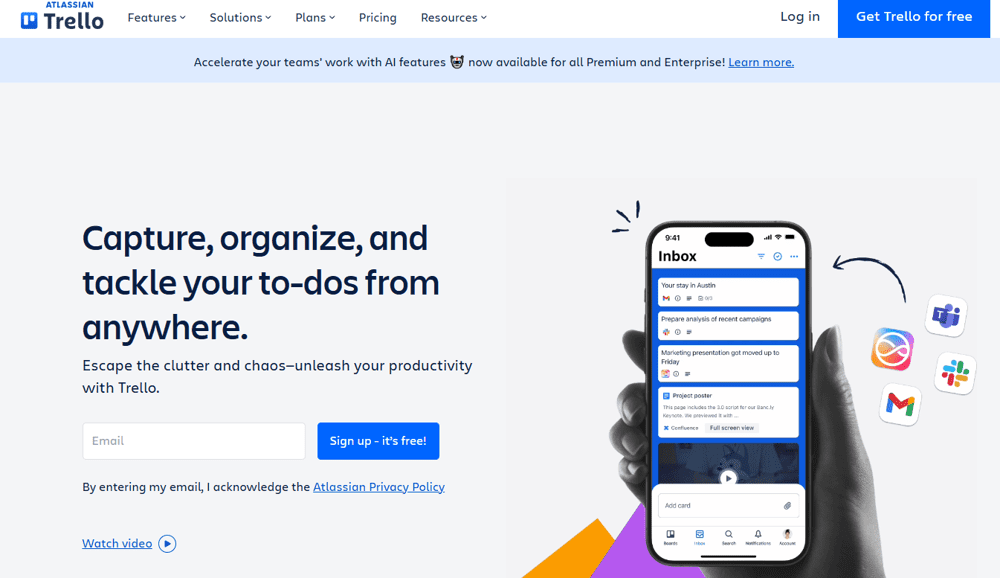
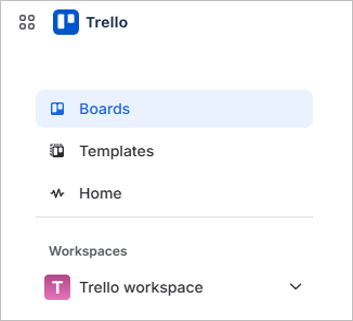
Trello is a visual productivity and organization app that works like a digital bulletin board. It uses three simple components:
- Boards represent categories of your life
- Lists help organize stages or types of tasks
- Cards represent individual tasks or reminders
Trello can be accessed on your phone, tablet, or computer, making it easy to update and check tasks wherever you are.
Why Trello Works So Well for Moms
Trello can become a game changer for busy moms because it is a simple digital organization tool that helps busy moms keep everything in one place. Other productivity tools feel complicated or time-consuming to maintain.
Trello stands out because it is flexible and easy to customize to fit your family’s needs. Whether you are managing family schedules, planning meals, or tracking household tasks, Trello makes it easier to stay organized without feeling overwhelmed.

Some of the biggest benefits include:
- Easy to update quickly
- Reduces mental overload
- Accessible anytime and anywhere
- Allows collaboration with spouses or older children
- Highly customizable for different family routines
Essential Trello Boards Every Busy Mom Can Use
One of the best parts about Trello is that you can organize it around your lifestyle. Here are some helpful boards many busy moms find useful.
Household Management Board
Keeping track of home responsibilities can feel overwhelming. A household board helps break everything into manageable sections.
You can include lists such as:
- Cleaning schedule
- Home maintenance tasks
- Seasonal chores
- Errands
- Kids chores
Recurring tasks like laundry or trash day can easily be added with reminders so nothing gets forgotten.
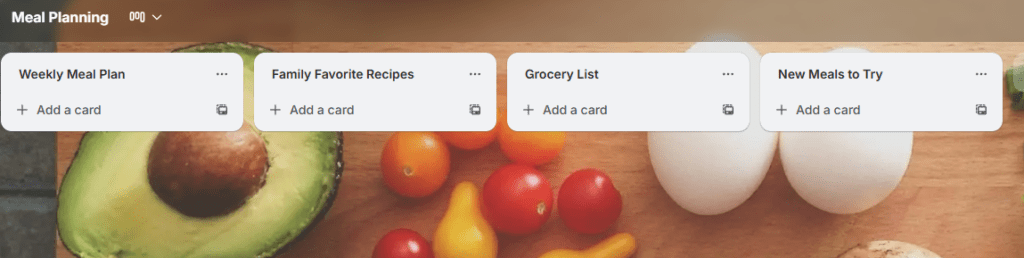
Meal Planning Board
Meal planning is one of the biggest daily stress points for many families. Trello helps simplify the process.
Helpful lists to include:
- Weekly meal plan
- Family favorite recipes
- Grocery list
- New meals to try
You can also attach recipe links directly to cards, making meal prep faster and easier.
Family Schedule and Activities Board
Managing multiple family calendars can be challenging. A family schedule board helps organize everything in one place.
This board can include:
- School events
- Sports practices and games
- Doctor and dentist appointments
- Extracurricular activities
- Birthday parties and social events
Using Trello’s due dates and reminders helps ensure important events are never missed.
Kids School and Activity Tracker
School responsibilities can quickly become overwhelming, especially with multiple children. A dedicated board helps keep everything organized.
You can track:
- Homework reminders
- School projects
- Teacher communication notes
- Supply lists
- Fiedltrips
This board is especially helpful during busy school seasons or project deadlines.
Budget and Financial Planning Board
Managing household finances is another area where Trello can be extremely helpful.
Consider tracking:
- Monthly bills
- Savings goals
- Holiday budgets
- Travel budget
- Subscription services
Having a visual layout makes it easier to stay on top of financial responsibilities.
Self-Care and Personal Goals Board
Moms often focus on everyone else first. A self-care board is a simple reminder to prioritize your own well-being and create habits that can change your life.
Ideas include:
- Health and wellness goals
- Hobby ideas
- Reading lists
- Weekly self-care activities
Even small reminders can help create better balance.
Event Planning Board
Planning holidays, birthdays, or family events can quickly become overwhelming. Trello helps organize everything in advance.
This board can include:
- Gift lists
- Birthday party essentials
- Travel packing lists
- Decoration planning
Keeping everything in one location helps reduce last-minute stress.
How to Set Up Trello
Getting started with Trello is simple and does not require advanced technical skills.
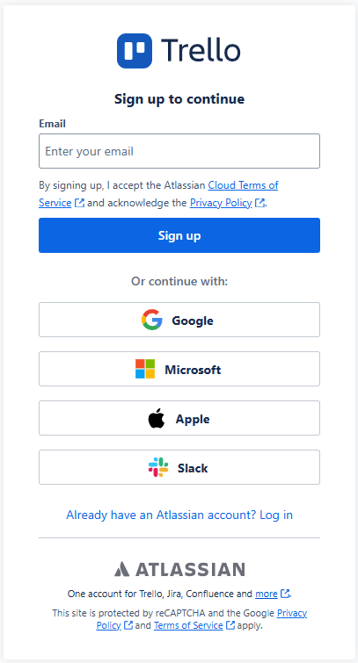
Step 1: Create a free account.
Trello offers a free version that includes everything most families need.
Step 2: Select “Create new board” and add the board title.
Avoid overwhelm by starting small. Choose areas that cause the most daily stress, such as meal planning or family scheduling.

The visibility defaults to “Workspace,” which means all members of the Trello workspace can view and edit the board. I changed it to “Private” because there are other members on boards within my workspace that I was invited to, and I do not want this board to be visible to anyone else.
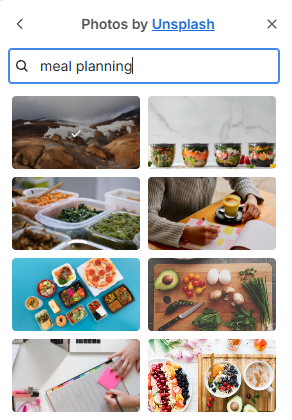
Change the background image.
To change the background image, click the three horizontal dots in the Background section, then enter the term you want to search for.
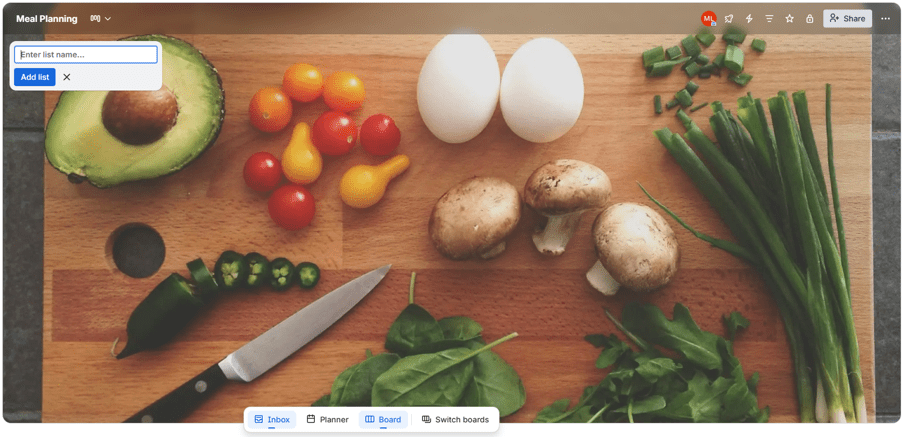
Step 3: Create lists inside each board.
Lists help break tasks into manageable sections.
Step 4: Add tasks as cards.
Each task or reminder gets its own card.
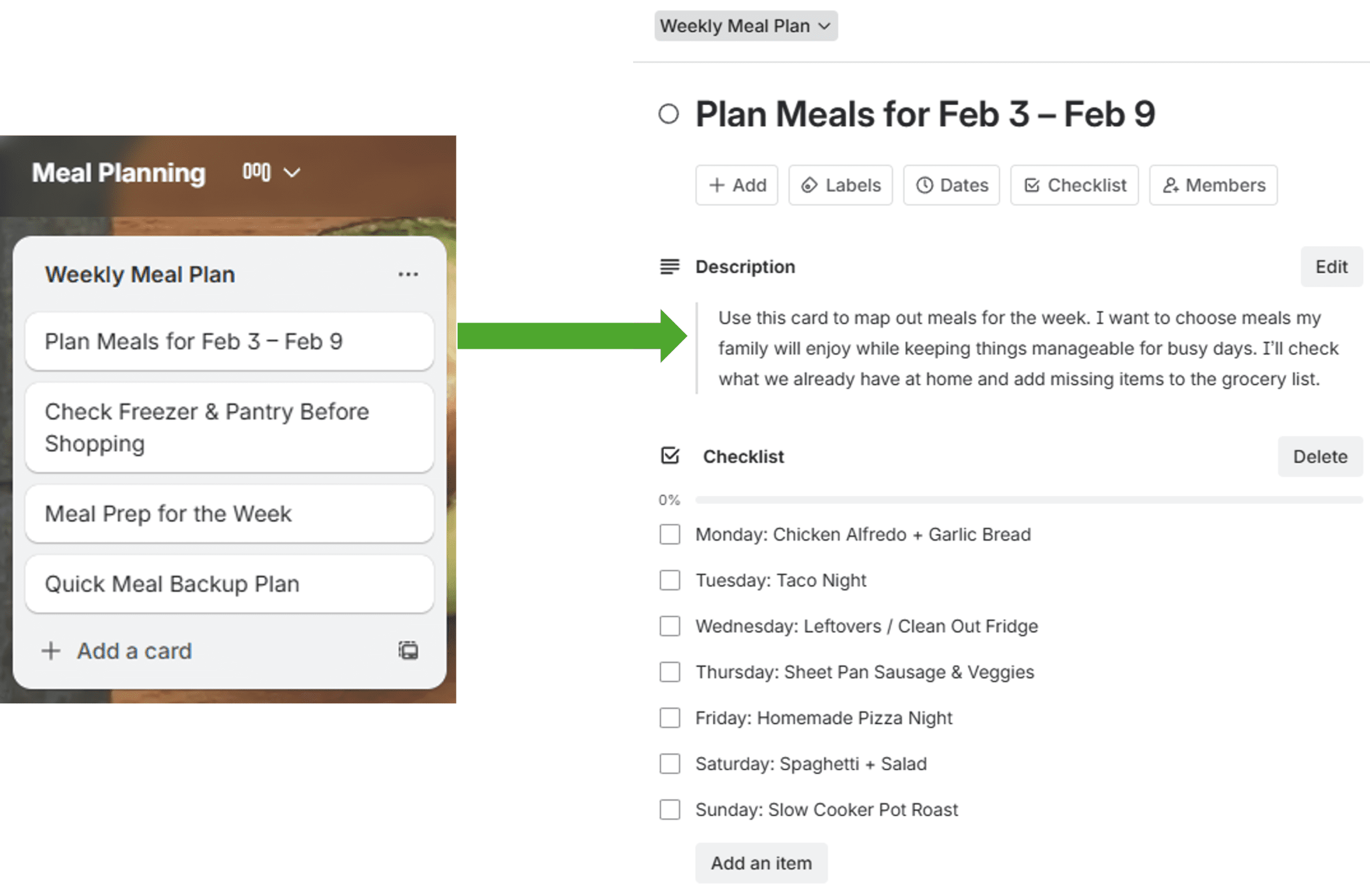
Add checklists inside cards. Checklists help break larger tasks into smaller, achievable steps.
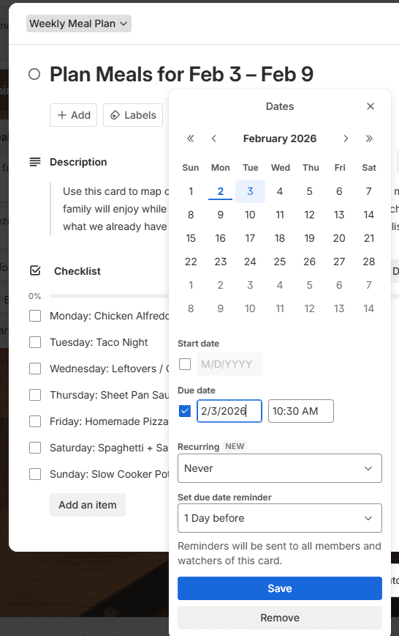
Step 5: Use due dates and reminders.
This feature helps keep track of appointments, deadlines, and recurring tasks.

Other Trello Features for Moms
Trello includes several features that make organization easier.
Attachments

Store recipes, school documents, or important forms directly inside cards.
Labels and Color Coding

Color coding helps visually organize tasks by category or priority.
Collaboration
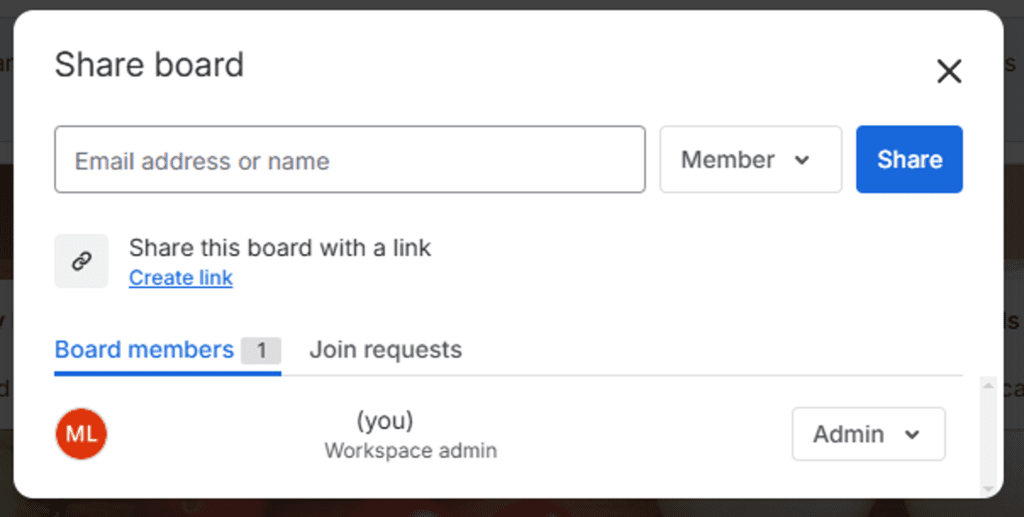
Boards can be shared with spouses or older children to help divide responsibilities.
Tips for Sticking with Trello
Like any productivity system, consistency is key. Here are simple ways to make Trello part of your routine:
- Check Trello once in the morning and once in the evening.
- Keep boards simple and easy to maintain.
- Archive completed tasks to keep boards organized.
- Review boards weekly and adjust as needed.
- Customize boards to fit your family’s unique lifestyle.
Trello Mistakes New Users Make
Many new users become overwhelmed by trying to organize everything at once. Starting small helps build long-term success.
Other common mistakes include:
- Creating too many boards
- Overcomplicating lists and tasks
- Forgetting to use reminders
- Trying to achieve perfection instead of functionality
Remember, Trello is meant to reduce stress, not create it.
Final Thoughts
Motherhood requires constant planning, organization, and multitasking. Learning how busy moms can use Trello to simplify everyday tasks can help lighten the mental load.
By organizing schedules, tasks, and family responsibilities in one place, moms can create structure, reduce stress, and spend less time worrying about forgotten tasks. Trello is flexible, easy to use, and can grow with your family’s changing needs.
Best wishes,